Both the username and password need to be correct in order to access any online account. The same goes for AOL. However, many people find themselves locked out when they are not able to recall the password. If you’re one such distressed user, relax… because help is at hand.
How to recover the AOL password your forgot
At AOL, the process to recover / reset the password has been automated. WHY? Because there are millions of subscribers and it would be unwise to expect personalised support… especially when you are using a free email account.
Sponsored Links
Anyway, if you’ve forgotten the AOL password, the information can be recovered by proving your identity or having the details sent to the alternate email address provided at the time of sign up. Just follow the step by step instructions below.
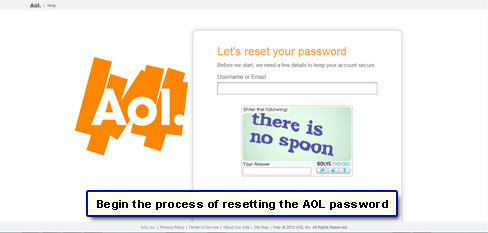
- Load the AOL email sign in page – mail.aol.com – and click on the “Forgot password?” link [Slide 1].
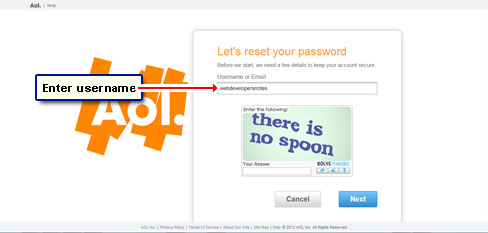
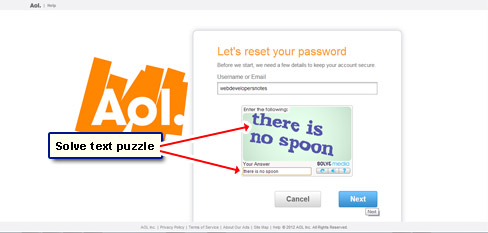
- Enter your username in the blank field [Slide 2], decipher the text puzzle below it [Slide 3] and click the “Next” button [Slide 4].
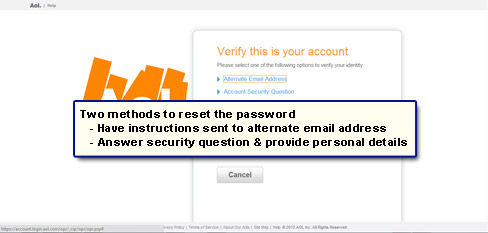
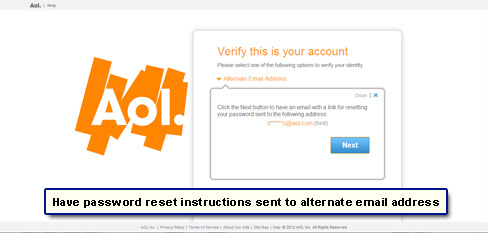
- Based on the information you had provided at sign up, you will be presented with one or two options to verify your identity [Slide 5]. You can either have the password reset instructions sent to your alternate email ID or you would need to answer the security question.
- Assuming you had provided an alternate email when signing up for the AOL account, select the first option in Slide 5 and click the “Next” button in the box / bubble that pops up [Slide 6].
- AOL will now send you a message at the alternate email address with a link on how to reset the password. Can’t find the messages? Make sure you check the spam / junk folder.
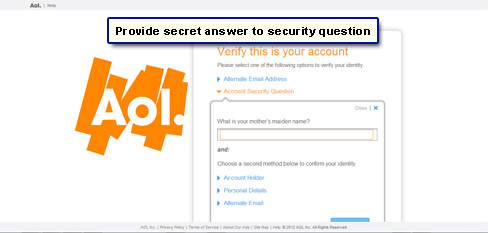
- The other way to get hold of the AOL account password is to identify yourself, which is a two step process. First answer the security question [Slide 7].
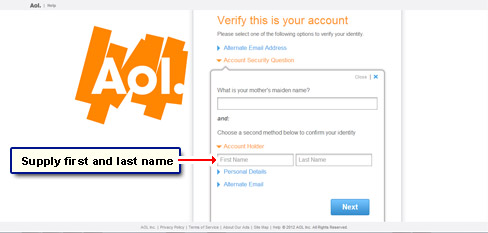
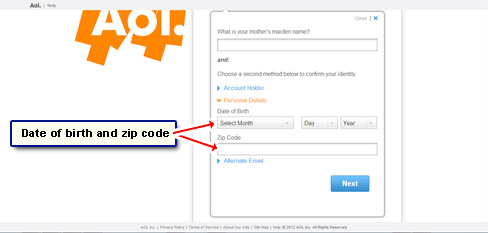
- You now have to either provide your name (the same used at the time of sign up) [Slide 8] or personal details which include your date of birth and zip code [Slide 9]. Once you choose an option and entered the required information, click “Next” to proceed.
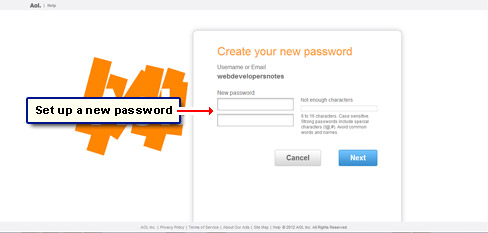
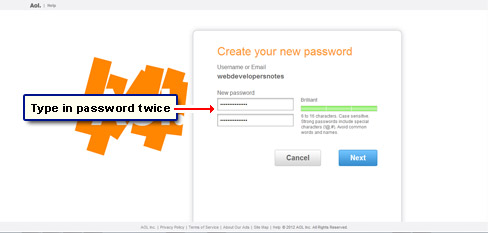
- Time to change the password. Type it in two times in the two blank fields [Slide 10]. Take advantage of the conveniently located password strength bar to create a good password for your account [Slide 11] – refer how you can make a strong password for further information.
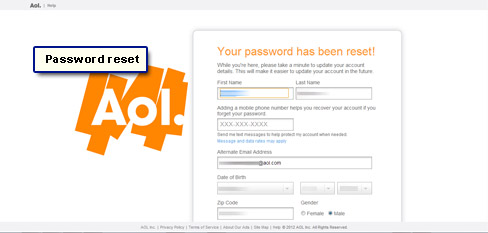
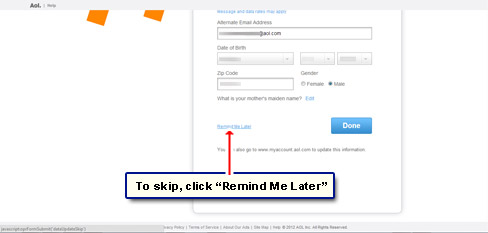
- On the next page, AOL may present the account information they have in their records [Slide 12] and may prompt you to review and edit / update it. To skip this step, scroll down and click “Remind Me Later” link [Slide 13].
- You will now be taken straight to your account [Slide 14].
As you would have gathered, the personal information and security question are as important as the password. Make sure you keep everything up-to-date at your AOL account.