Email stationery can be applied to all messages you compose from the AOL account – new ones, replies and even forwards. As in the case of Yahoo email stationery, in just one click, messages can be spiced up with images and colourful backgrounds. At the time of writing Hotmail and Gmail, the other two popular free email services, do not offer email stationery.
AOL has tons of email stationery that is immediately accessible from the rich text bar. You’ll find a wide selection that includes stationery for holidays, special occasions or those that can be used simply for fun. Let us see how we can work with this simple and interesting feature.
Sponsored Links
How do I use AOL email stationery?
The instructions and screenshots below have been worked on on the AOL Standard webmail interface on the Google Chrome web browser running on Windows 7 operating system.
- Fire up the web browser and log in at your AOL email account.
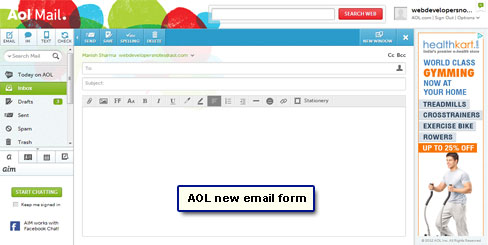
- Click on the “Email” icon to get a blank email form [Slide 1].
- If you don’t have rich text enabled, click on the link to do so immediately [Slide 2].
- You will now see a tool bar just above the large message composition box [Slide 3].
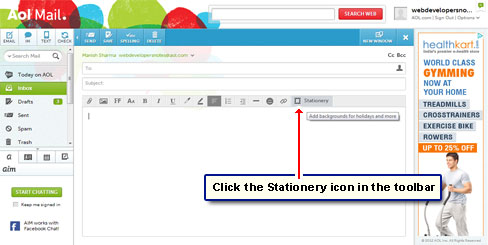
- The last icon on this tool bar is for email stationery [Slide 4].
Remember, AOL email stationery can only be used if you have rich text enabled and ONLY available in the Standard webmail interface. Thus, people using the Basic and Accessible versions need to switch right now.
Finally, the AOL email stationery icon is missing from the toolbar when you compose the message in a new window.
- Click the “Stationery” icon [Slide 5].
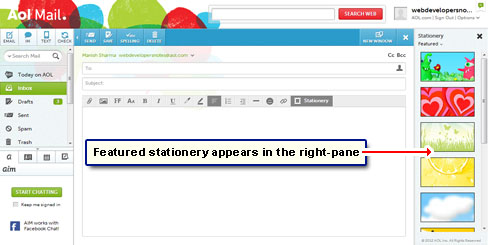
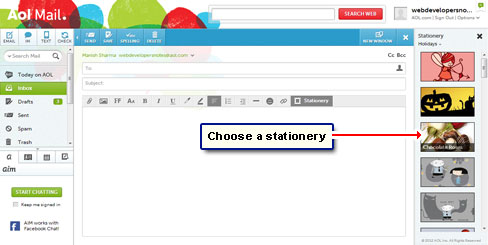
- A whole bunch of featured email stationery immediately appear in the right pane replacing any advertisement [Slide 6]. AOL displayed the email stationery as thumbnails.
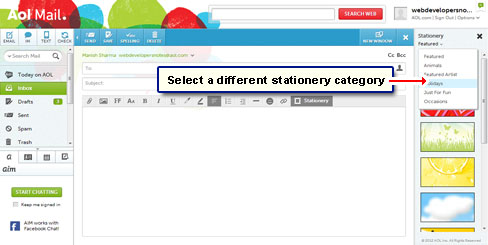
- You can either pick one straightaway or select a category from the drop down list [Slide 7].
- Each stationery has a name which is displayed when you place the mouse cursor over the thumbnail [Slide 8].
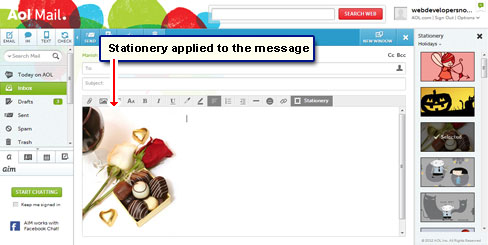
- Slide 9 show you how I’ve chosen and applied the Chocolate Roses email stationery to a blank message.
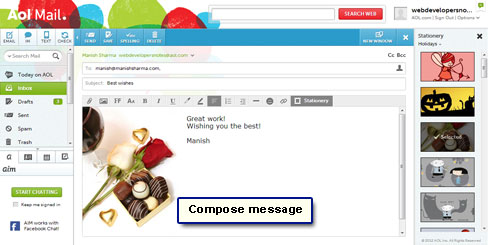
- I can now write the email message [Slide 10].
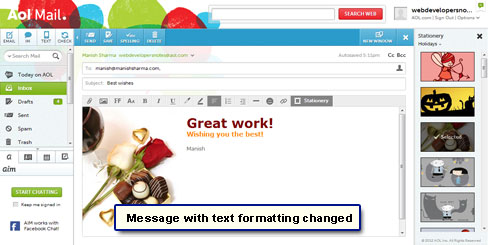
- I can also embellish the message a little more by changing the text color and size [Slide 11].
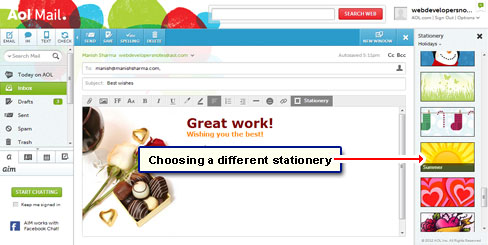
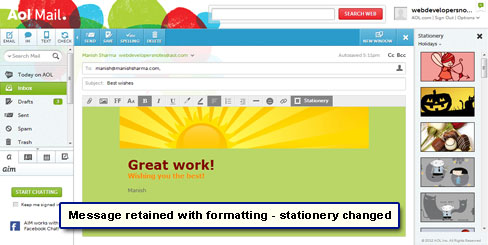
- As delineated by slides 12 and 13, one can select a different stationery for the email message with just one click. The custom text formatting will be preserved, however, the background image and the text position might change as dictated by the rules of the chosen stationery.
Note: Different AOL email stationery templates not only change the images and the background color but also the starting position of the email text content.
As I mentioned above, AOL lets you use email stationery to replies and forwards too. Open the feature from toolbar and pick one you want by clicking on it once. The stationery is immediately applied to the email message.